
Fewer calls to piece the day together.
Review site updates and pending work in one context. Spend the next conversation on a decision, with the background already in view.
Construction management software for builders,
site teams and homeowners in India.
Keep daily site progress, drawings, material stock and owner decisions together. Spend less time chasing updates. Give the build more of your attention.
BuilderSetu connects plans, progress and people for residential builders, site teams and homeowners in India. See the difference in the work you do every day.
Review site updates and pending work in one context. Spend the next conversation on a decision, with the background already in view.
Bring requests, receipts and stock records together. See the material position before placing another order.
Share progress with the people paying for the build. Give questions, selections and approvals a clear project context.
Explore it around your project before you decide.
Show me my workflow Explore progress, site checks, materials and owner updates.
One project. Six connected views. Swipe to find your perspective.
 buildersetu
Structure & RCC Stage 03 / 07
Progress, people and the next milestone — brought into one clear daily view.
Choose a screen or swipe sideways to explore. Scroll inside the phone for details. Sample data.
Bring site photos, daily updates and milestones together. Know what moved forward, what needs attention and what comes next.
Give incoming stock, site consumption and material requests a clear record. Make the next purchase with the full picture.
Keep drawing revisions, inspection checklists and pending decisions in one place, so your team knows what is ready to proceed.
For the people building a reputation.
And the people building a life.
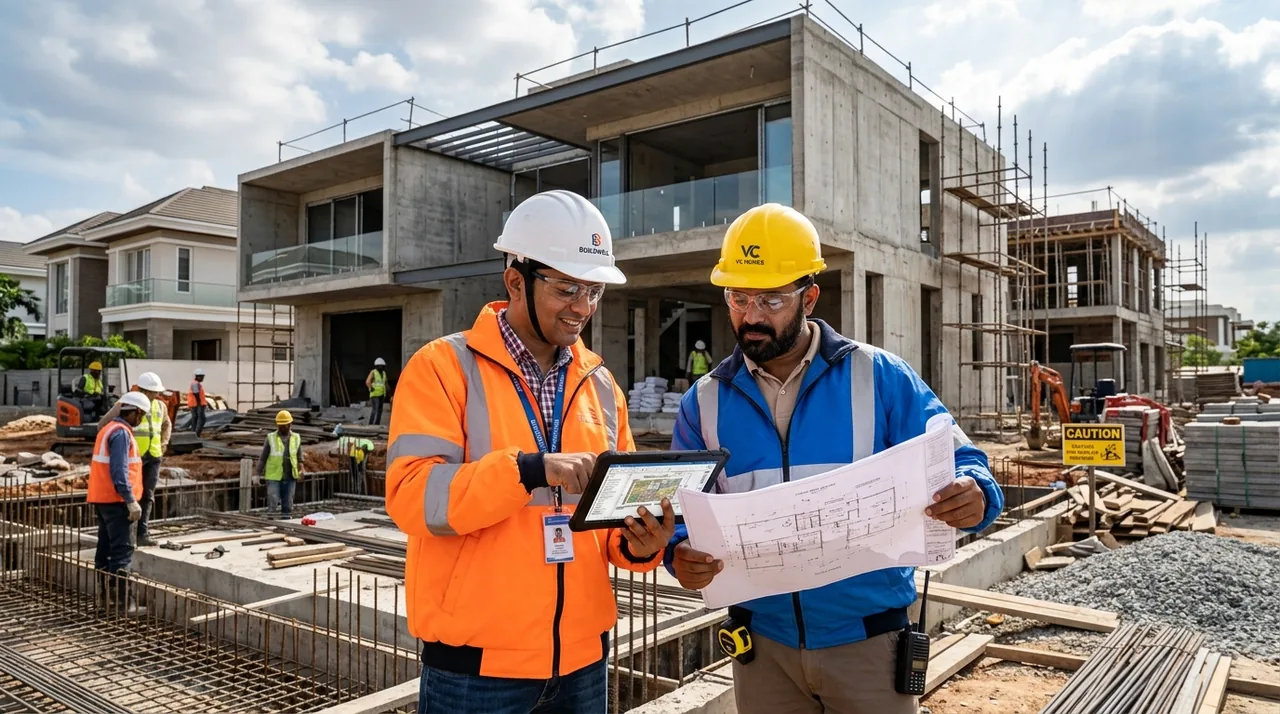
Bring your projects, people and daily decisions
into one connected view.

Follow the progress, understand the milestones
and see your home take shape.
Construction moves through stages.
Your information should move with it.
Bring plans, project documents and responsibilities together before work begins.
PLANNING & PREPARATIONKeep site updates, material records and inspection decisions close to the work.
EXECUTION & COORDINATIONTrack finishing decisions, close open items and bring handover records into one place.
FINISHING & HANDOVEROne project story. No disconnected chapters.
See how it connectsStart with a daily progress report or a material stock register. These original guides and free CSV templates help your team record what happened and what needs attention.
Explore construction guides and templatesRecord planned work, completed quantities, dated photos, blockers and the person responsible for the next action.
Get the DPR formatTrack opening stock, receipts and issues in a consistent unit. Check the site balance before planning the next material request.
Get the stock registerEvery project is different.
We’re here to understand yours.
BuilderSetu is a residential construction coordination platform. It brings project plans, site updates, documents, material records and owner communication into a shared workspace for builders, site teams and plot owners.
Both. Builders use it to coordinate execution across their sites. Home and plot owners use it to follow progress, review shared updates and understand upcoming milestones. Each person sees the information relevant to their role.
The field experience is designed around mobile use, so site teams can work with updates and project information where the work happens. Explore the mobile preview or ask us to walk through your team’s daily workflow.
Start with a conversation about your active projects, team and current process. We’ll walk through the relevant modules and discuss a plan and pricing for your scope. You can also explore the plan comparison first.
Tell us what you’re building.
Let’s make the moving parts work together.
